Veeam: Cost Savings Calculator Redesign
Senior UX/UI & Product Designer
Veeam’s calculator helps people compare what it costs to back up Microsoft 365 on their own versus using Veeam Data Cloud. The old version looked dated, didn’t match the new brand, and made you work to figure out what the numbers meant. My job was to make it feel clear and current.
-
Client: Veeam Software
-
Role: Senior UX/UI & Product Designer
-
Scope: UX structure, interaction design, UI, data visualization
-
Delivered: Wireframes, high-fidelity UI, lead form and confirmation states
-
Tools: Figma, Design System
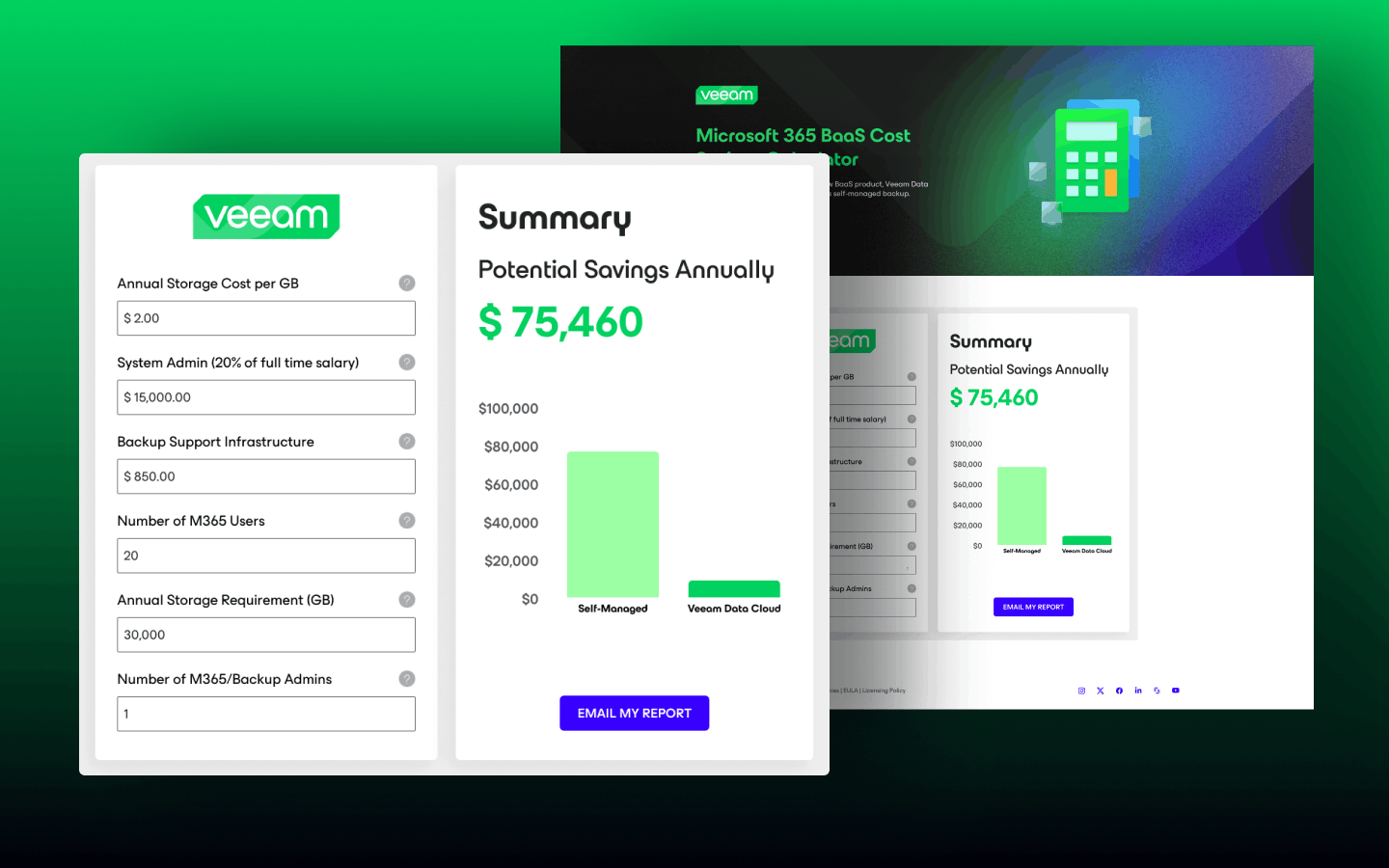
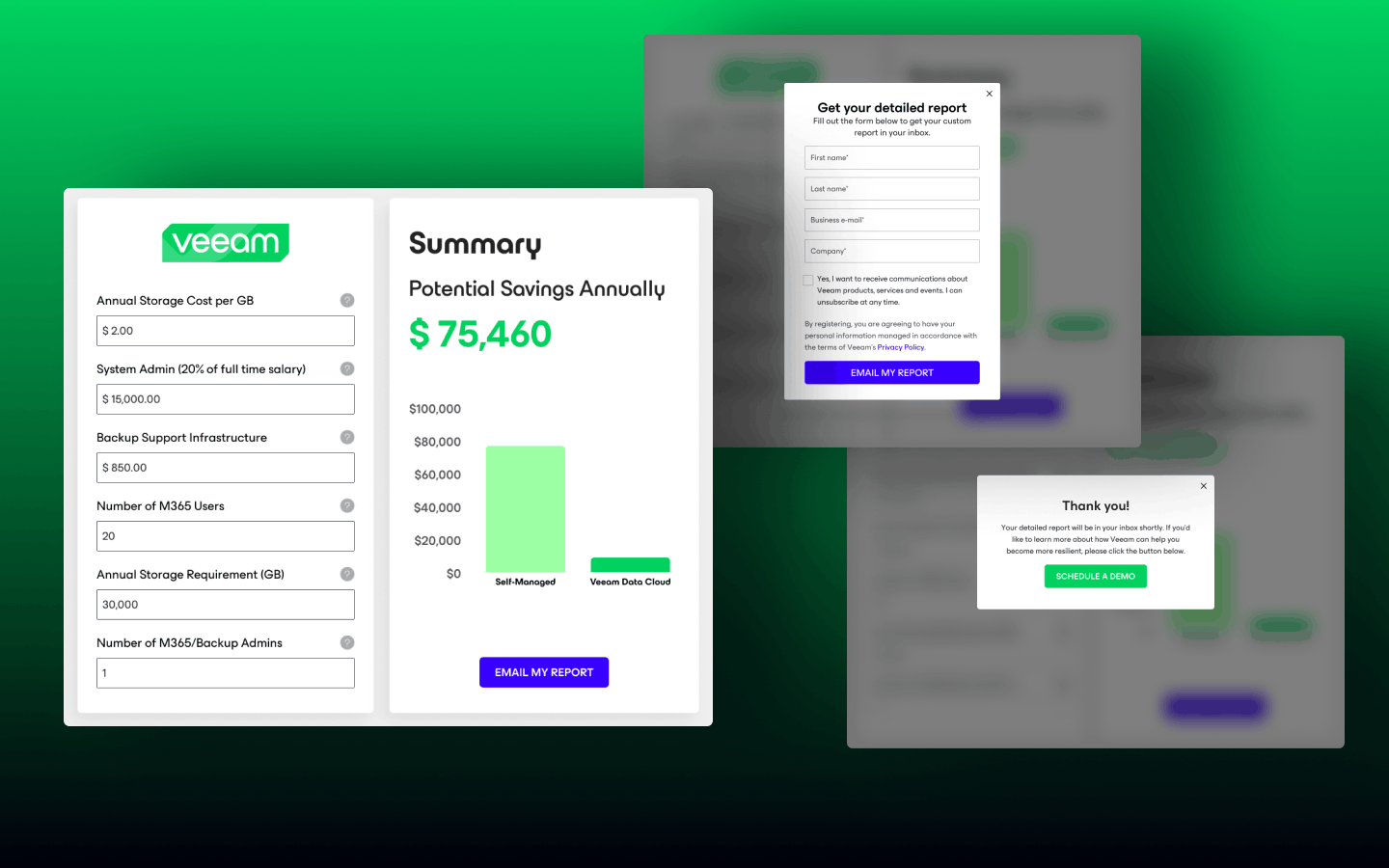
The final calculator. Cost inputs are grouped and labeled on the left, and the summary on the right makes the annual savings the biggest number on screen.
Example scenario: the figures shown are sample inputs, not client results.
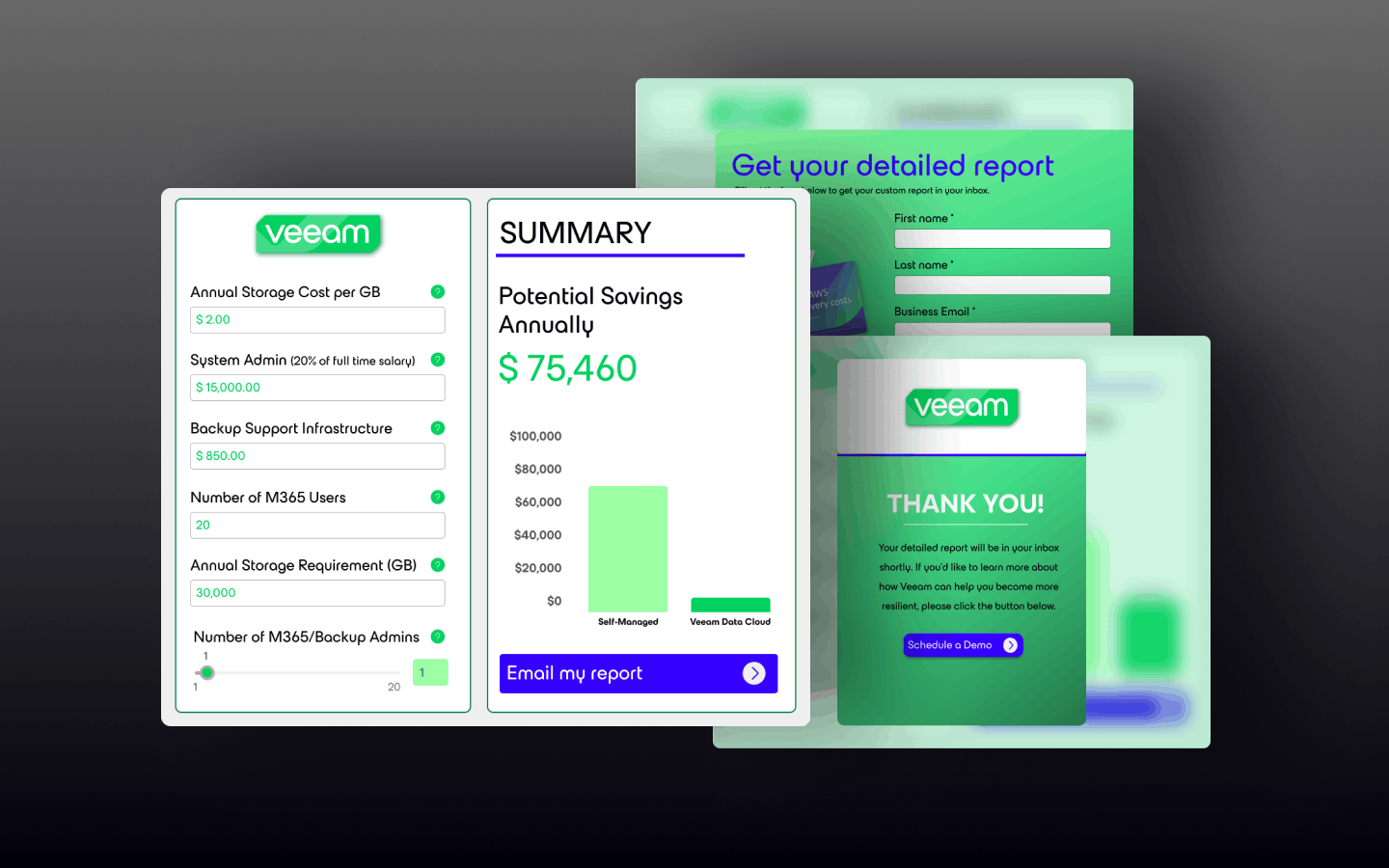
How it was
The previous calculator looked dated and didn’t match the new brand. It took effort to understand the results, and the savings outcome wasn’t emphasized.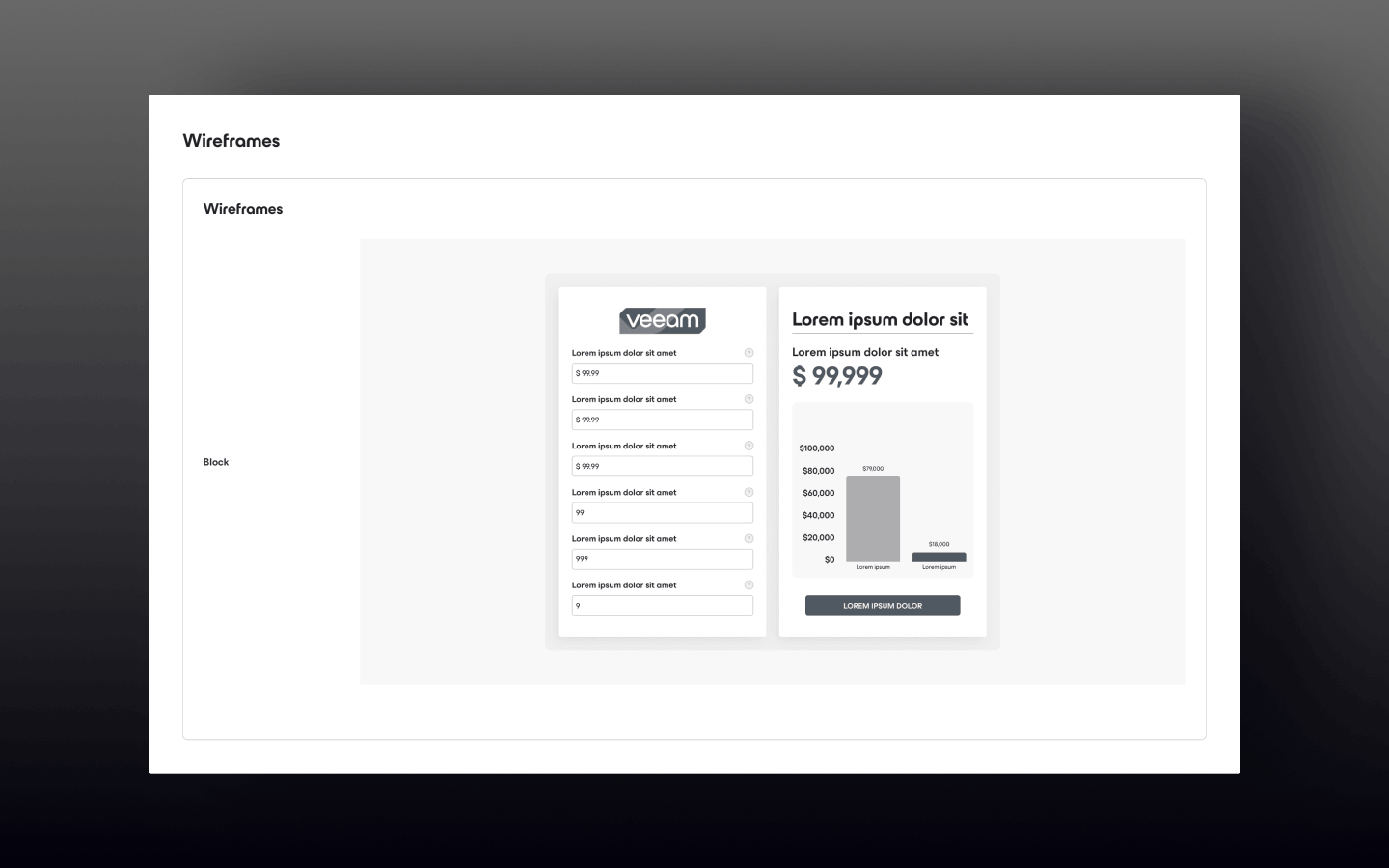
The wireframe. Inputs in one column; the result, the comparison chart and the report button in the other. The goal at this stage was simple inputs and savings that are clear to see.
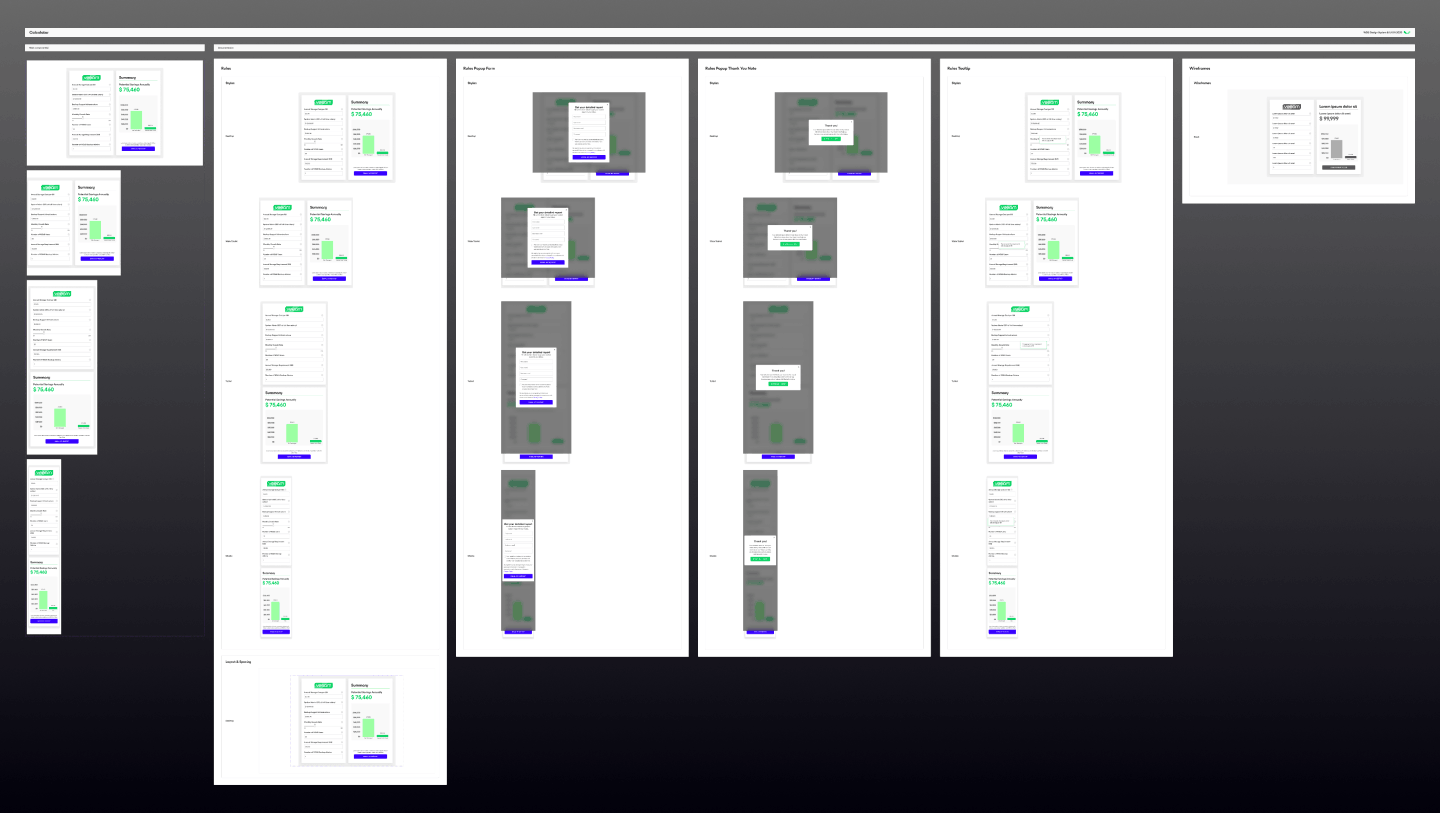
Design system application
The redesign follows Veeam’s design system: standard inputs, buttons and cards, consistent spacing and layout rules, accessible typography and color contrast, and reusable components. Each state (results, report form, confirmation and tooltip) is shown at several screen widths, built from the same component set. This keeps the visuals consistent and makes future iterations faster.